Shoelace in development
Serve your spatial data to ArcGIS, and without it, at a fraction of the cost, with governance built in.
← there(ish)
What it does today
Feature services
Publish the tables you already keep in SQL Server and PostGIS as ArcGIS-compatible feature services. Shoelace only reads them: it never writes to your databases.
- Upload a shapefile, GeoJSON, file geodatabase, DXF, GeoPackage, KML or CSV and serve it straight away
- Users, roles and token sign-in built in
Fast on difficult data
The layers nobody has tuned, with features too big to draw, stay quick to use.
- Caching, so features aren't read and rebuilt for every request
- Simplification for display, and never at the cost of a feature
- Optional on-the-fly tiling that cuts huge features down to the area being drawn
- All without touching your source data
Safe editing
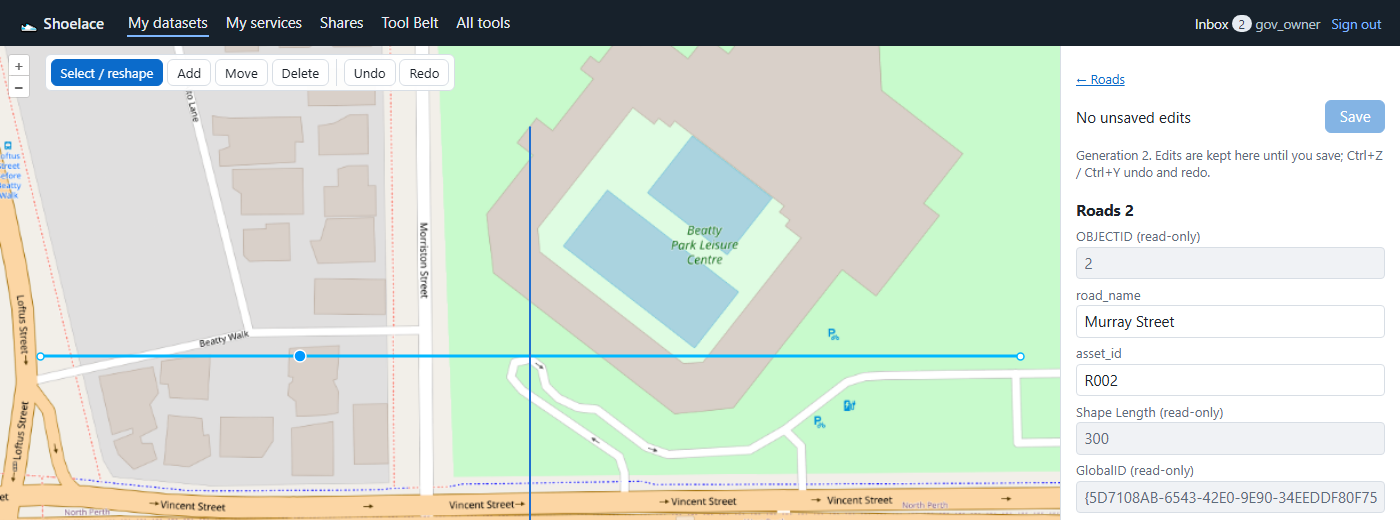
Edit uploaded datasets in ArcGIS or in Shoelace's own browser editor.
- Snapshots, and a restore that can itself be undone
- A full edit history: who changed what, and when
- The browser editor won't let you overwrite a change someone else has saved since you started
- Heights are never silently set to 0: each layer chooses to refuse, use a set value or interpolate
Data Health tools
Find what's wrong with a layer before your users do.
- Slivers, gaps, overlaps and invalid geometry
- Two-layer rules: "must be within" and "must exactly fill"
- Fixes come as a package you can review first
- Fixes are applied by feature ID, and only to features that haven't changed since the check
Governance built in
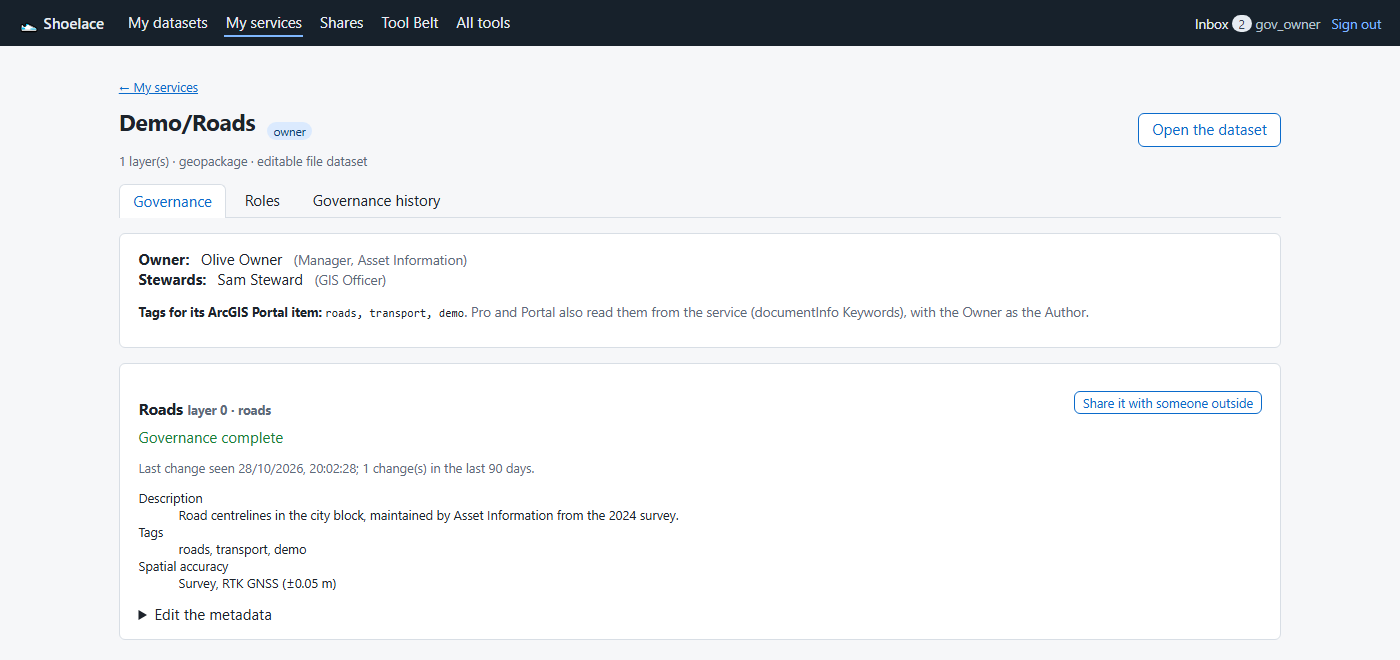
- An accountable Owner, Stewards and Editors for every layer
- A required description, tags and spatial accuracy class for every new layer
- Accuracy classes: RTK GNSS survey, total station survey, design, mobile device, digitised, derived and unknown
- Change tracking: when each layer last changed
- A full governance history of roles, ownership, metadata and sharing decisions
Controlled external sharing
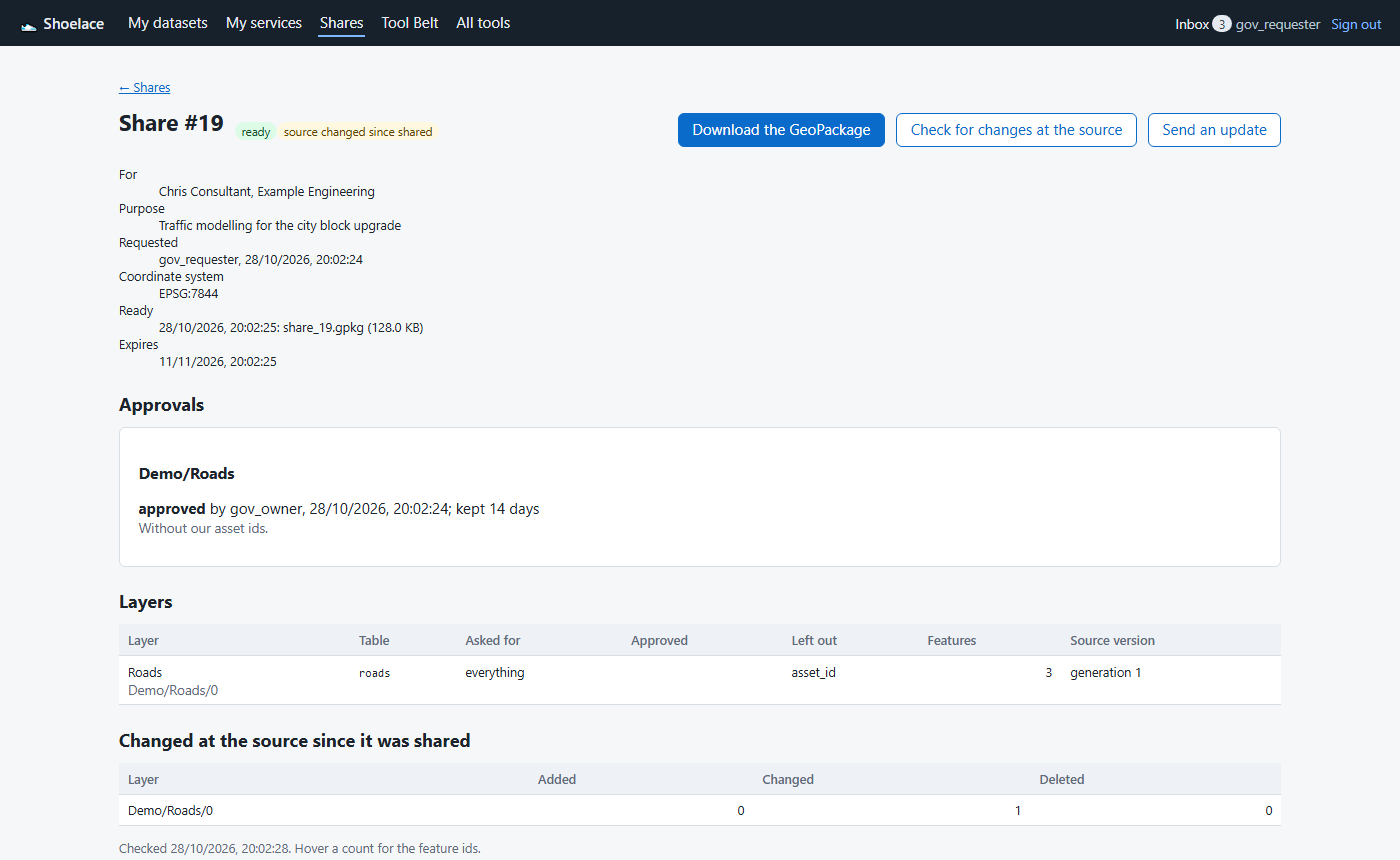
- The layer's Owner or a Steward approves every share
- Downloads expire
- A register of everything shared, with whom and why
- An alert when the source has changed since it was shared
- The shared GeoPackage records the recipient's own edits, so you can see what they changed
Your data, your servers
- Runs on Windows Server inside your network
- No cloud dependency
- No phone-home licensing: the licence is a signed file, checked on your own server
- No lock-in: datasets are open GeoPackages you can download at any time
Australian datums done properly
- Transformations follow a fixed, documented path, never a best guess
- Where there's no documented path, Shoelace says so instead of guessing
- Heights are carried through unchanged
Licensing
- Perpetual licence, plus annual maintenance for new versions
- Licensed per module, so you pay for the parts you use
- As many of your own servers as you like: production, test and standby
- 30-day free trial with every module
Contact us for pricing: matt@there-ish.com
Coming next for Shoelace
- ArcGIS Field Maps offline roadmap
- Android field app roadmap
- LiDAR and imagery roadmap